DraftLedger brand guide: logo, icons and share cards
This page shows how DraftLedger looks everywhere it appears: the logo, the DL icon and its colorways, the icons used for teams, players, general managers and rookies, and the share cards that show up when a page is posted on X. Every image here can be downloaded.
Logo
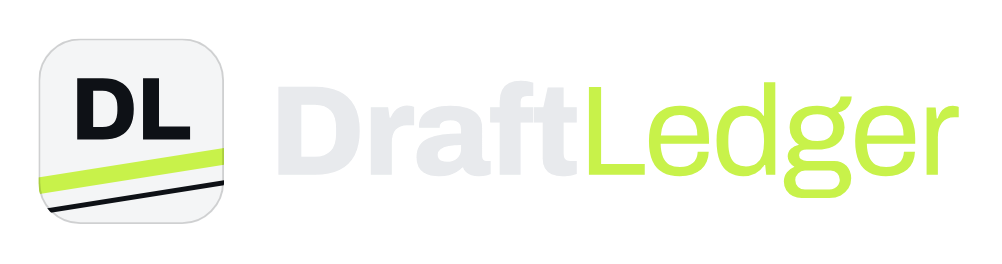
The logo is the DL icon beside the DraftLedger wordmark. “Draft” is set in Archivo ExtraBold and “Ledger” in regular weight. On dark backgrounds the icon is white and “Ledger” is lime. On light backgrounds the icon is black and the whole wordmark is black. Use the version made for the background it sits on, and keep clear space around it equal to the height of the “D”.
The DL icon
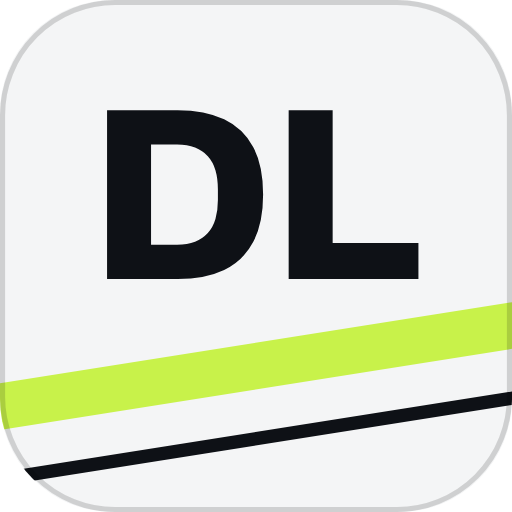
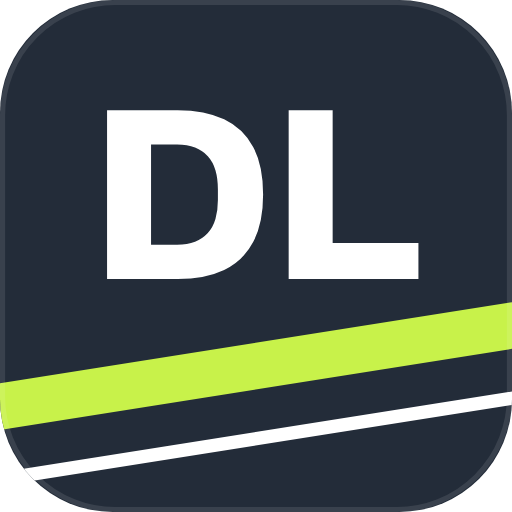
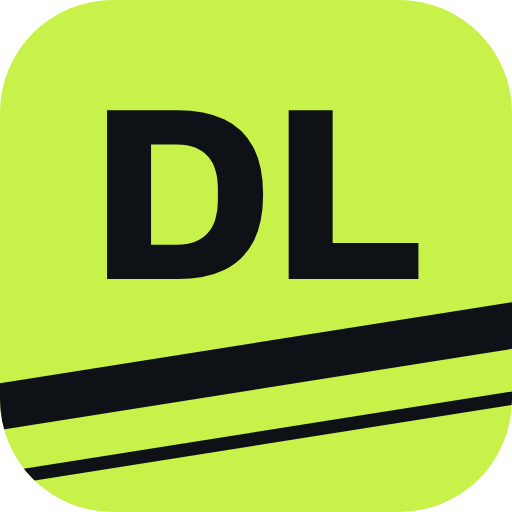
The icon is a rounded tile with the letters DL and two tilted stripes: one thick, one thin. The white version is used on dark backgrounds and the black version on light ones, so the header logo switches with the site’s light and dark modes. The white version is also the favicon and the X profile image. The same tile, stripes and angle are used for every icon on the site, so teams, players and GMs all look like one family.
Icon colorways
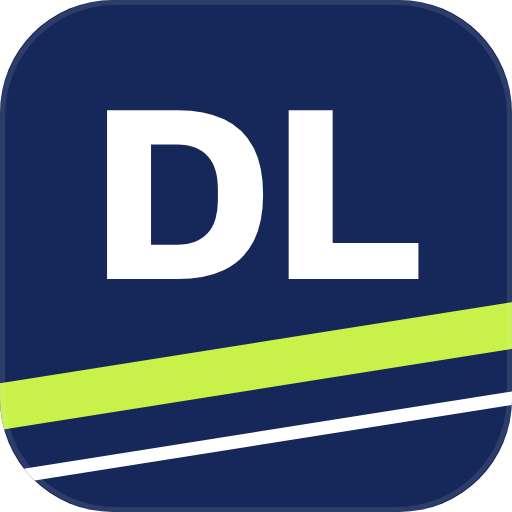
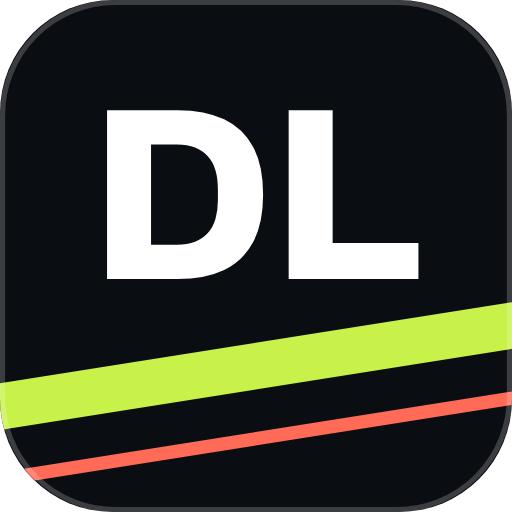
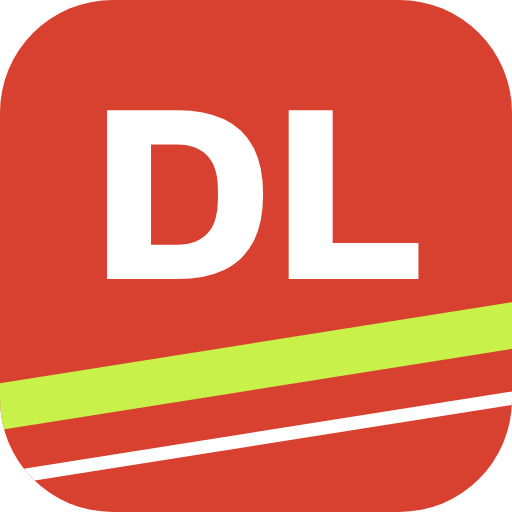
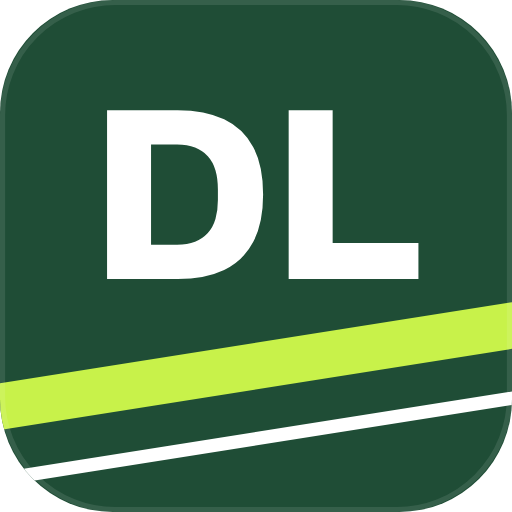
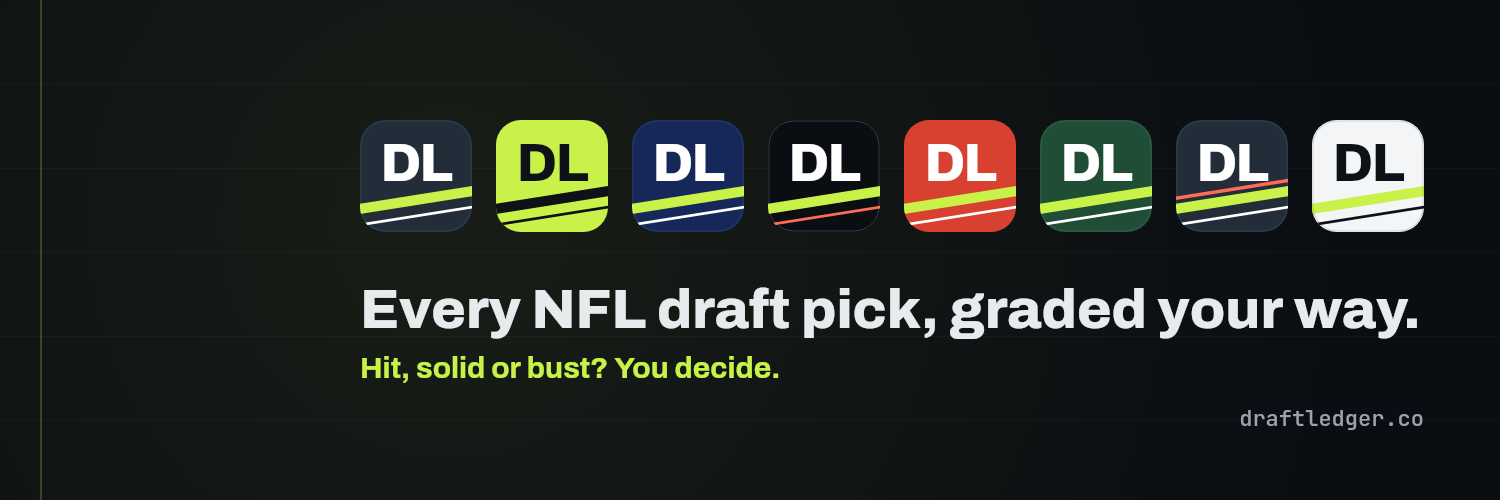
Eight colorways of the same icon. They are for social avatars, merch, slides and anywhere a different tile color fits better than white. The stripes keep their angle and position in every one.





Color
#C8F24AHits, accents and the “Ledger” half of the wordmark.#0E1116The site background and dark text.#232C39The neutral icon tile for players, GMs and rookies.#FF6B57Busts, and the red stripe on a rookie call.#B4BCC7Solid picks and secondary text.#F4F5F6The primary icon tile and headline text.Type
Archivo in ExtraBold is used for the logo, icons, headlines and card titles. Body text is Archivo Regular and SemiBold. JetBrains Mono is used for numbers, letter grades and the web address on cards. Both are open-source fonts.
Icon system
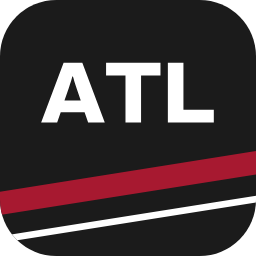
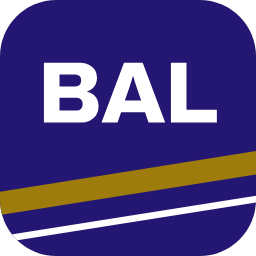
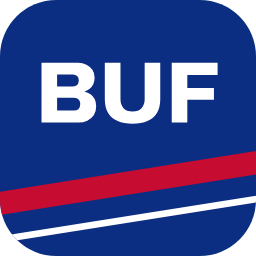
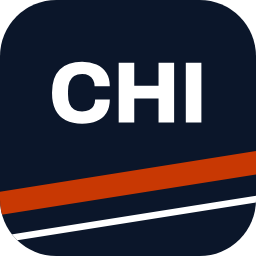
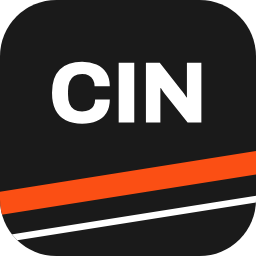
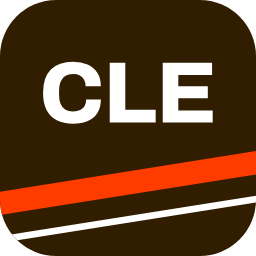
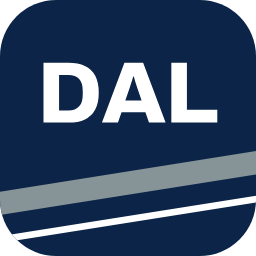
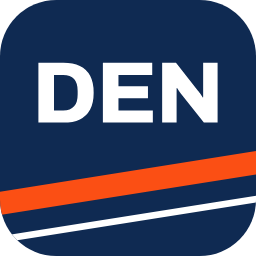
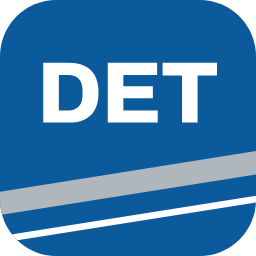
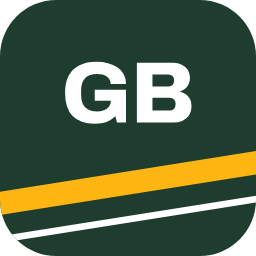
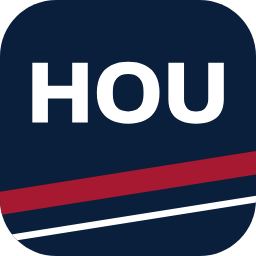
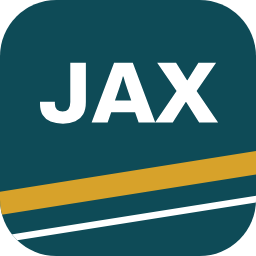
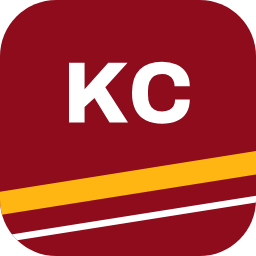
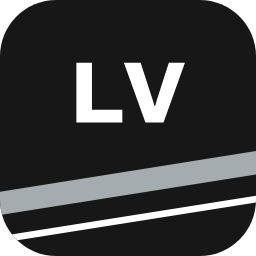
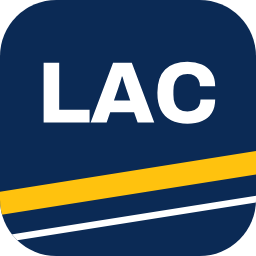
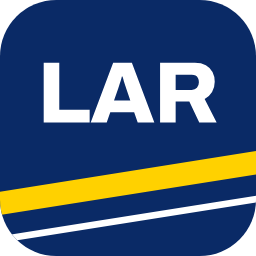
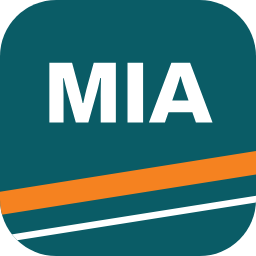
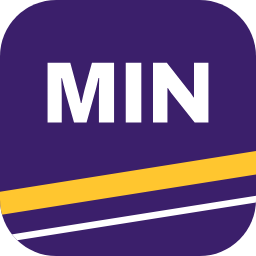
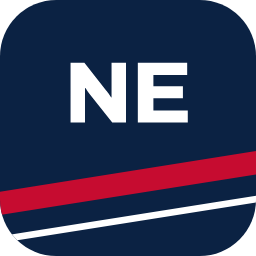
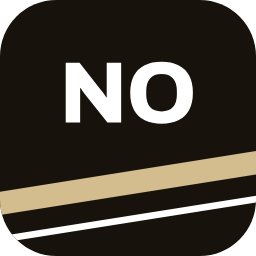
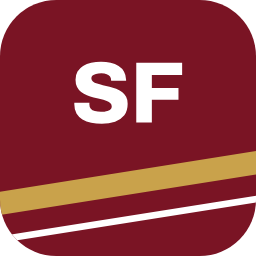
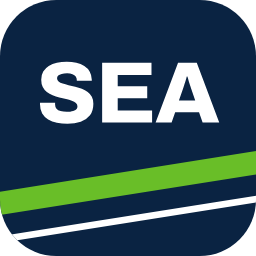
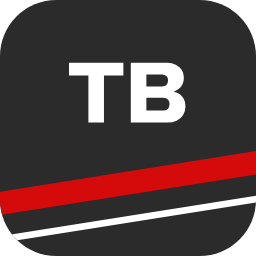
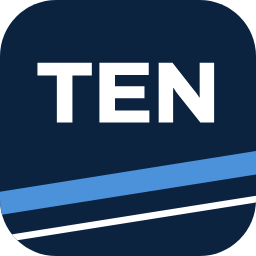
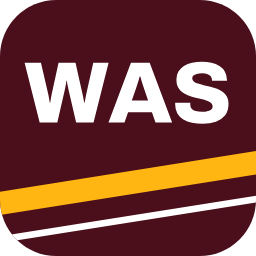
Every icon is the same rounded tile with a thick tilted stripe near the bottom and a thin white one below it. What changes is the lettering and the color. Team icons use team colors. Player, GM and rookie icons stay neutral, so a trade never makes an icon wrong.
Team icons
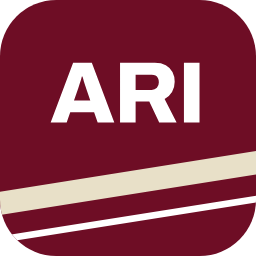
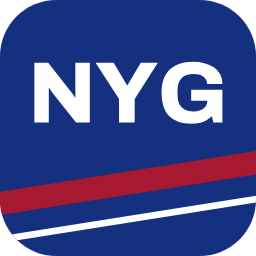
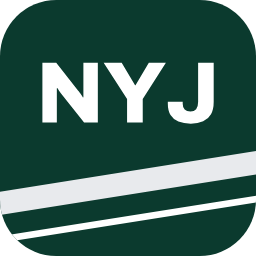
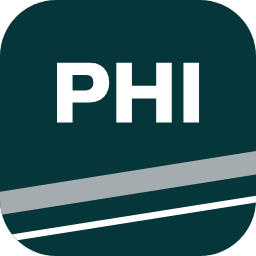
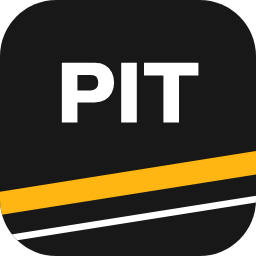
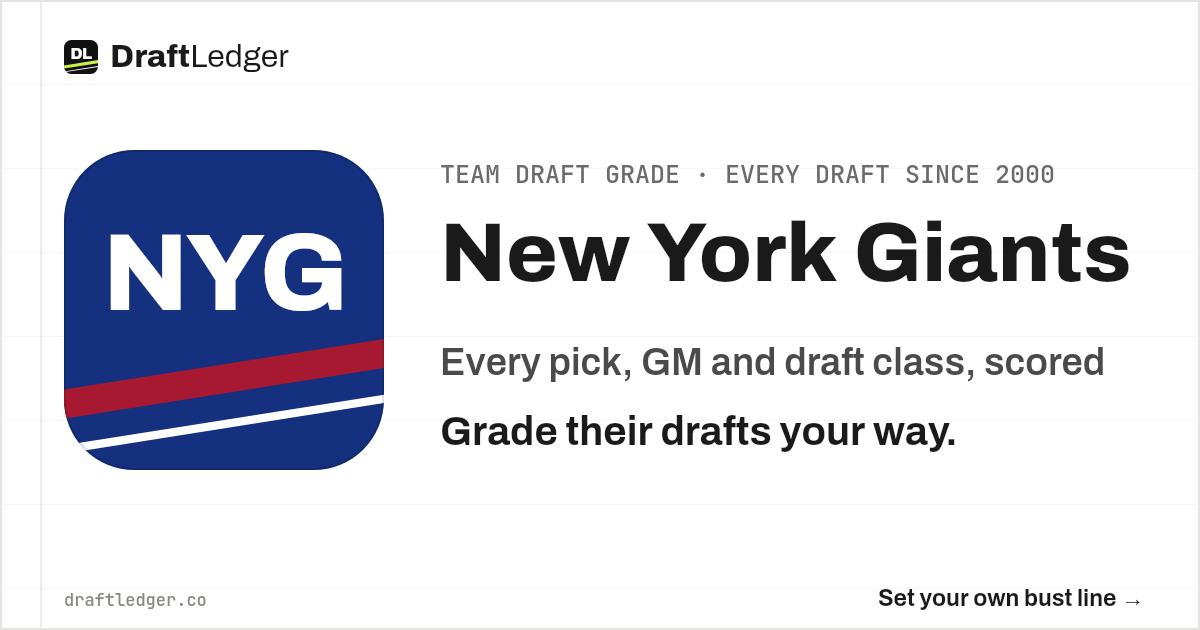
A solid tile in the team’s primary color, the team code in white, and the team’s accent color as the thick stripe. These are built by DraftLedger and are not official team logos. Team names are used for identification only, and DraftLedger is not affiliated with or endorsed by the NFL or any team.


Player and GM icons
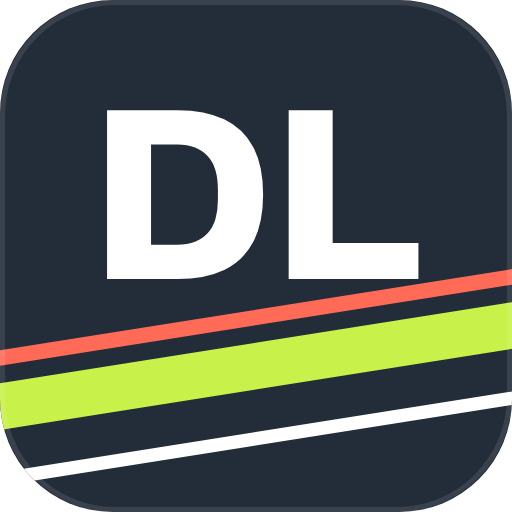
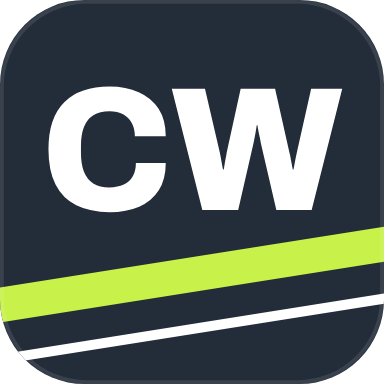
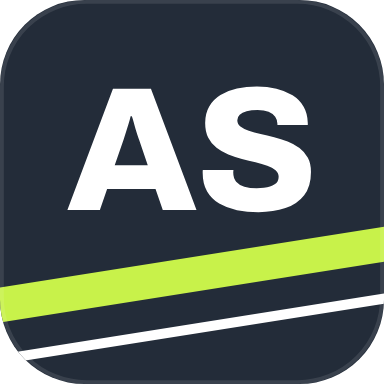
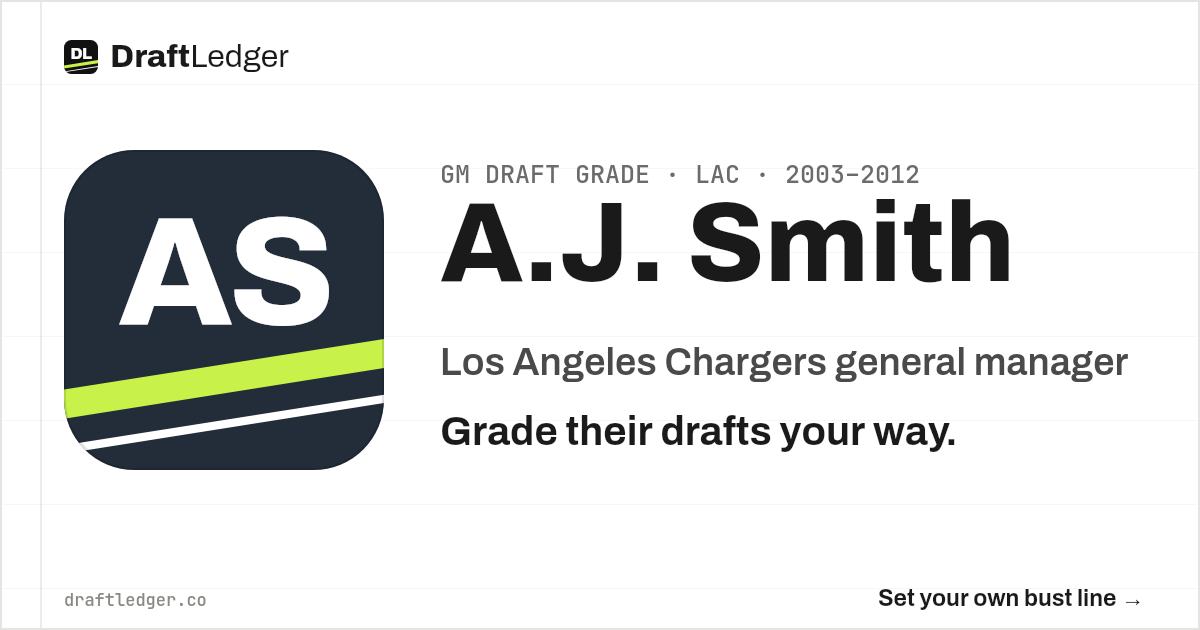
A slate tile with the person’s initials and a lime stripe, always in neutral DraftLedger colors. Players change teams and GMs change jobs, so these icons carry no team color. Players and GMs use the same style.
Rookie icons
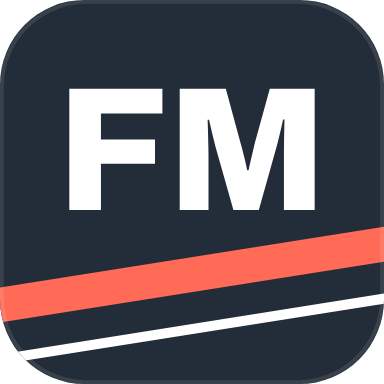
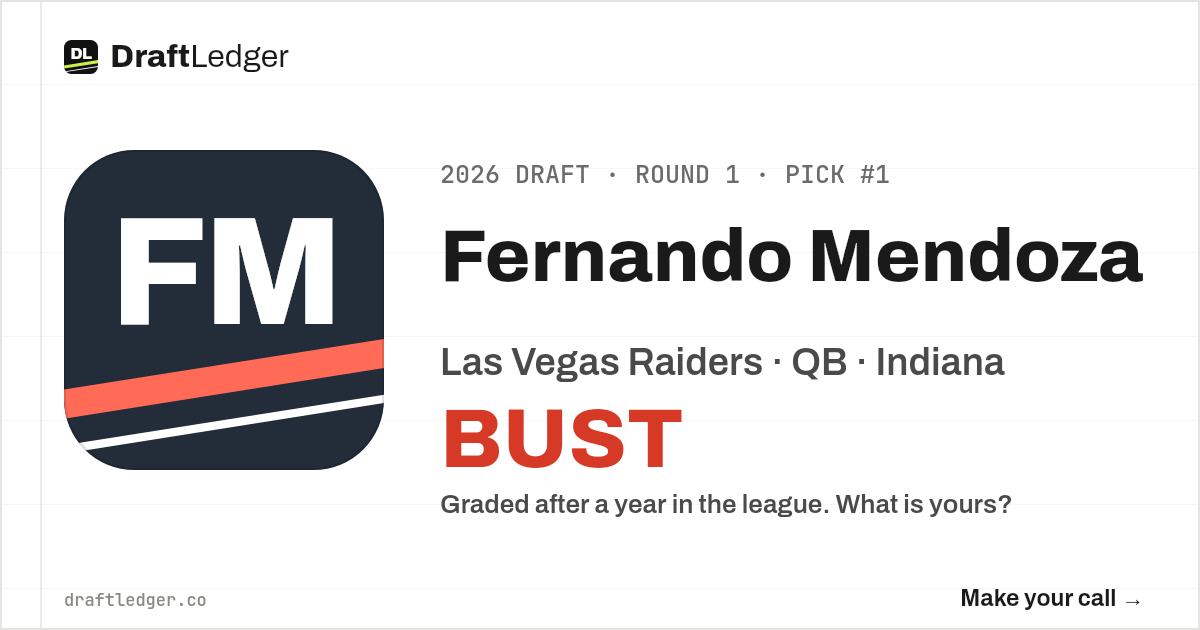
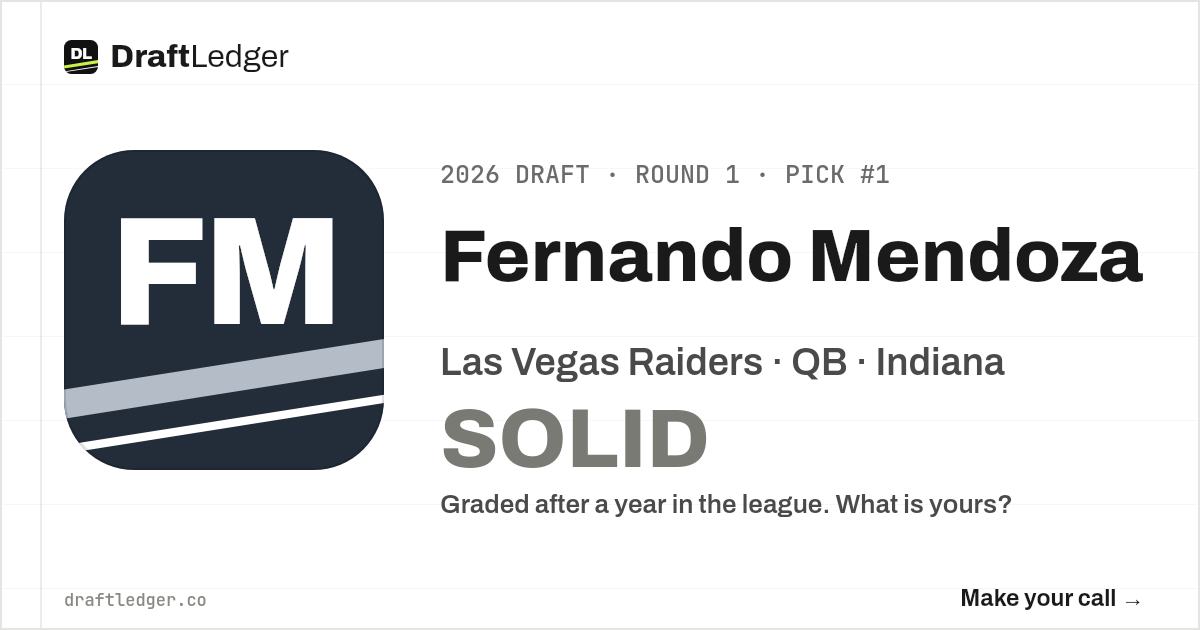
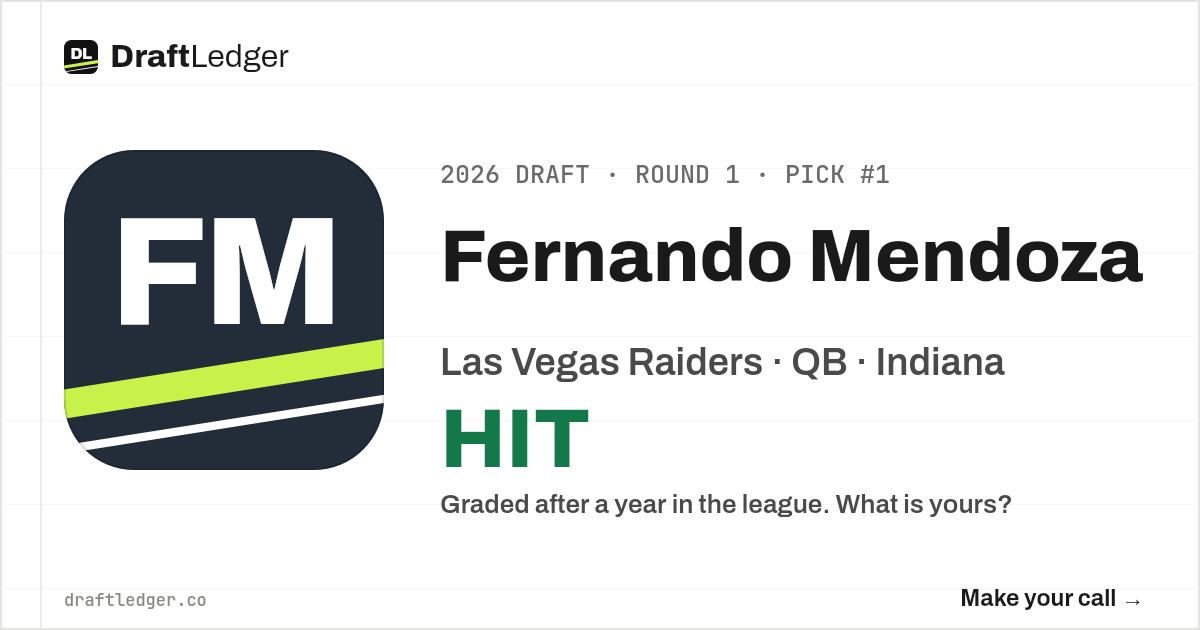
Rookies are not graded yet, so the thick stripe shows the call instead: red for a bust, gray for a solid pick and lime for a hit. The tile and initials match the player icon.
Share cards
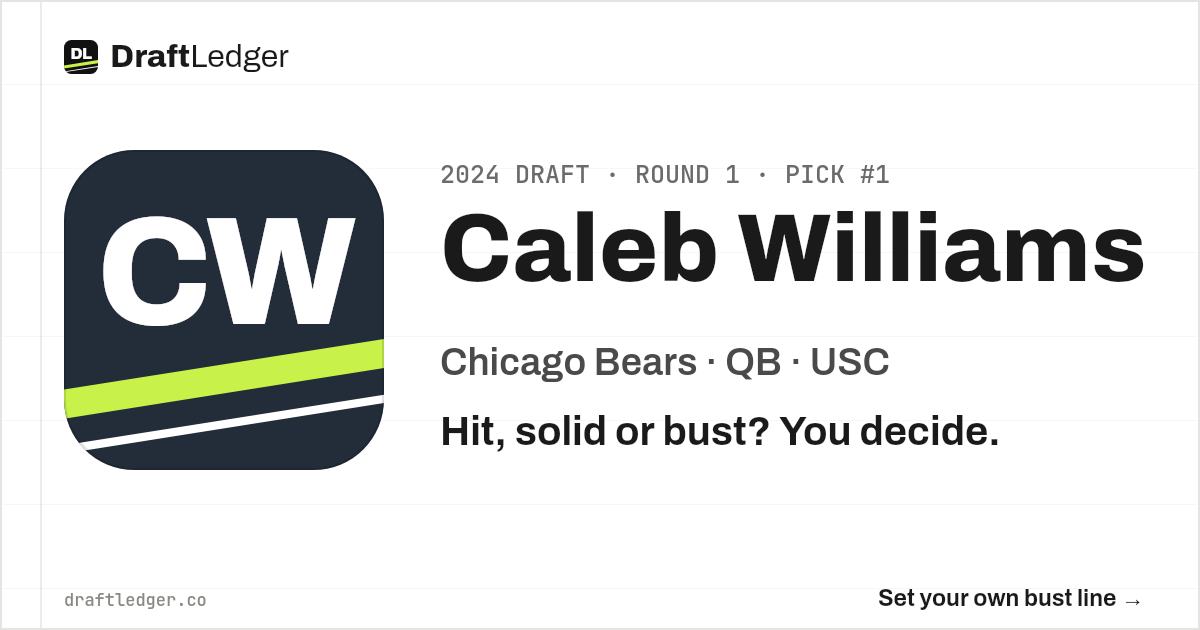
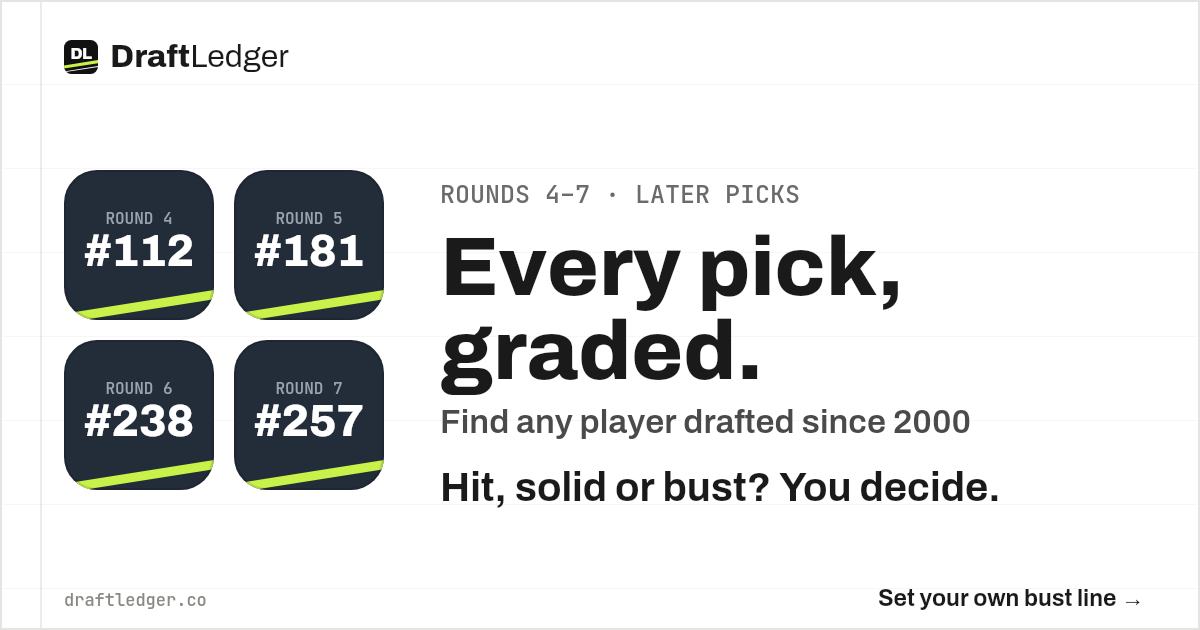
When a DraftLedger page is posted on X, the link preview is a 1200 × 630 card. Every card is the same for everyone, so it never shows a grade. Grades change with each person’s bust line, so the grade goes in the text of the post instead. The icon style above carries through to every card.
Rookie call cards
A rookie page has a neutral card. When someone posts their own call, the card shows that call in large type, and the post text says it too.
X profile and cover
The X profile image is the white DL icon. The cover shows every colorway under the line “Every NFL draft pick, graded your way.”
Using the DraftLedger brand
- Link to draftledger.co when you use the logo or a card, and credit DraftLedger.
- Do not stretch, recolor or rotate the logo, or change the stripe angle.
- Do not use the logo in a way that suggests DraftLedger endorses you, or that you are DraftLedger.
- Team icons are not team logos. Do not present them as official marks.
- Questions, press or permission requests: support@draftledger.co or the contact page.